A Windows AI app for spreadsheets, forms and error boxes
An installable Windows AI app helps most when the problem lives inside a window you cannot easily copy into a browser: an Excel formula error, a dense tax or intake form, or a cryptic Windows dialog box. With Ace installed on Windows 11 or Windows 10, you hold Ctrl + Shift while that window is open, ask out loud or type, and Ace uses one permitted frame of your current screen to explain or draft right beside your work. Free Play starts with 2,000 credits and requires no card.

Free Play: 2,000 credits, no card. Ace by Black Label.

Why copying Windows problems into a browser tab breaks down
Most day-to-day PC bottlenecks are visual before they are textual. A broken VLOOKUP or XLOOKUP sits across four columns with formatting rules attached. A vendor onboarding portal hides field requirements inside hover labels and disabled buttons. A Windows installer or driver alert shows an hex code inside a modal dialog that does not even let you highlight text with a mouse.
When your only AI lives in a browser tab, every question starts with chores: press Print Screen, crop the region, switch windows, upload the image, and type three sentences explaining which cell or button you mean. By the time the reply arrives, you have lost your place in the task.
- Modal error boxes and Device Manager alerts often block text selection completely.
- Multi-column spreadsheets lose row numbers and header alignment when pasted as plain text.
- Long web forms and ERP screens mix dropdown states with validation banners that only make sense visually.
- Switching back and forth on a single laptop display hides the exact numbers you are trying to check.
How Ctrl + Shift works over an open Windows application
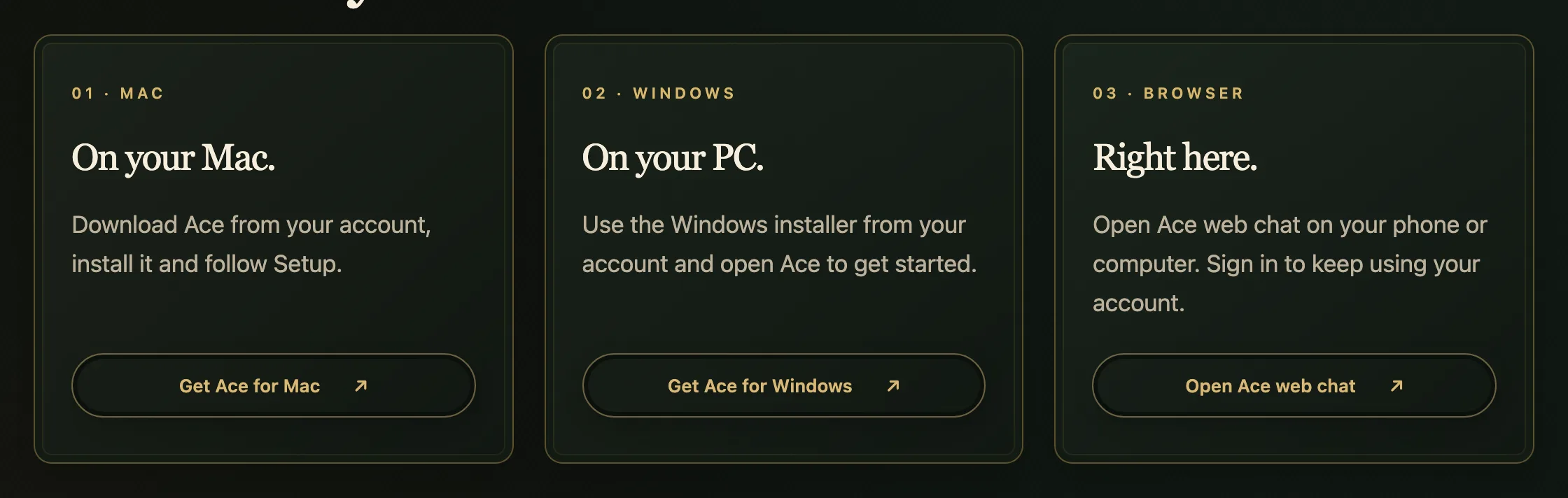
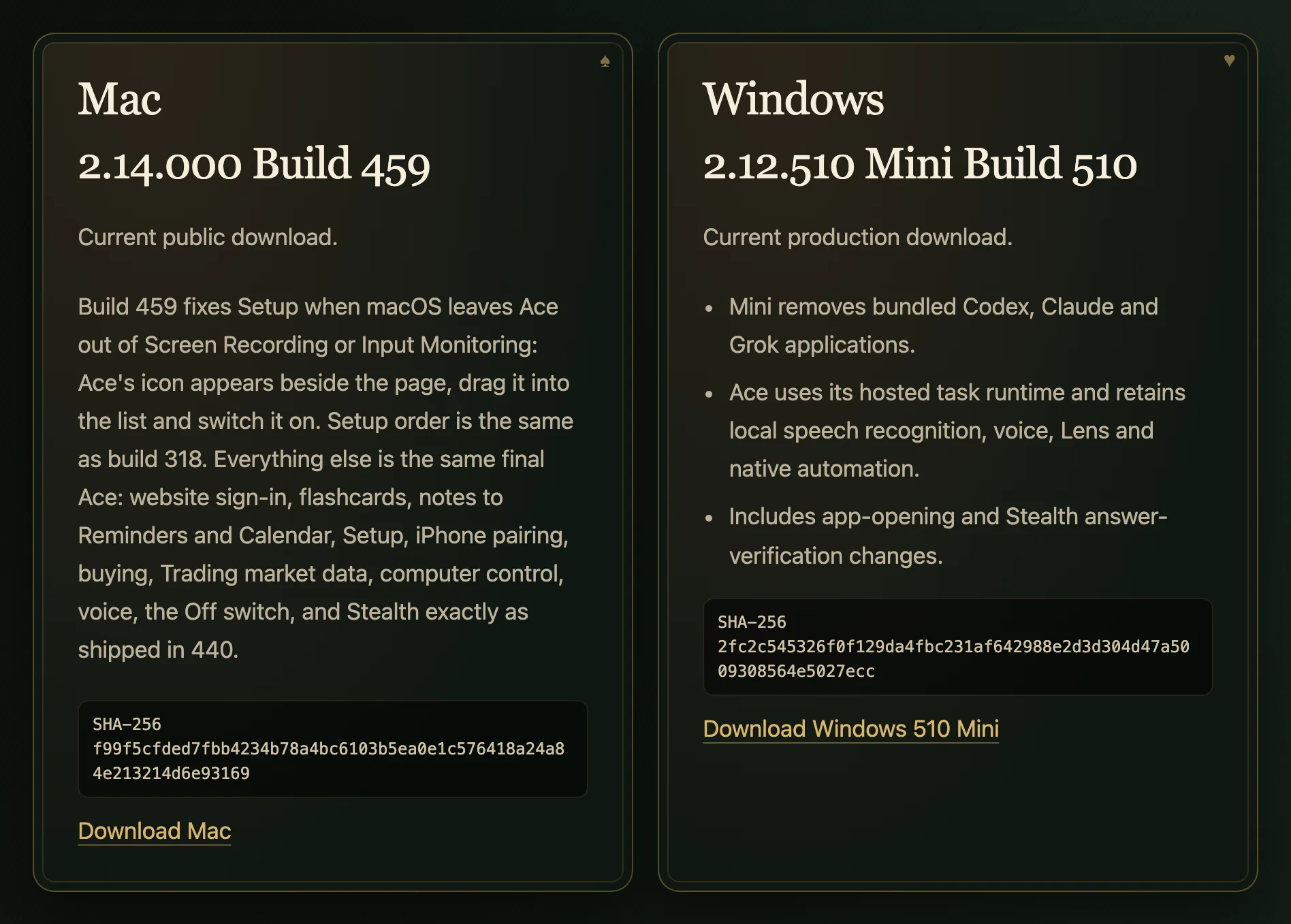
Ace installs as a regular Windows desktop application from your account at tryacee.com, where each release lists its SHA-256 file fingerprint. Once Setup finishes, Ace waits quietly until you summon it.
- Keep the spreadsheet, PDF reader, browser form, or settings dialog in front of you on Windows 11 or Windows 10.
- Hold Ctrl + Shift and speak your question naturally — for example, ask why row 14 returns #VALUE! or what a specific checkbox on the form controls.
- Release the keys. If you have allowed screen access through Windows, Ace captures a single frame of that view, sends it with your question to the hosted AI (or your connected subscription on Private Table), and speaks the answer back while showing the text.
Nothing records your desktop in the background between questions, and you can turn Windows screen or microphone permissions off whenever you prefer.
Comparing window-level workflows across Windows options
Different tools on a PC handle open windows in very different ways. Checking what each application actually receives saves surprises during sensitive work.
| Workflow detail | Ace for Windows | Browser chat tab | OS-built-in sidebar |
|---|---|---|---|
| Summon over full-screen Excel or PDF | Hold Ctrl + Shift from any active app | Alt + Tab away from your work first | Varies by Windows build and taskbar pin |
| How visual context is sent | One frame when you ask, after OS permission | Manual screenshot snip and paste | Depends on app connector or snip tool |
| Spoken reply while eyes stay on data | Answers out loud in its own voice | Text first unless voice mode tab stays open | Voice mode separate from many app views |
| Windows 10 compatibility | Runs on both Windows 11 and Windows 10 | Runs in any modern browser | Newer features often gated to Windows 11 |
Practical tasks where an installed app saves the most time
Auditing formulas and pivot tables
Leave the formula bar open so both the expression and the referenced columns are visible. Ask what the formula is doing in plain English, why a date comparison is failing, or how to rewrite nested IF statements cleanly without altering adjacent cells.
Completing dense administrative or compliance forms
When an insurance claim, procurement portal, or tax schedule uses unfamiliar terminology, ask Ace to define the exact field on screen and check whether any required box on the visible section is still blank before you submit.
Decoding system dialogs and terminal stack traces
Point Ace at a PowerShell error, port conflict, or installer message to get step-by-step troubleshooting. And if your work moves beyond everyday PC tasks into deep software engineering, vulnerability triage, or security research where standard assistants refuse legitimate technical prompts, Black Label also builds Utah at aithatsee.com with a dedicated CLI and developer API.
Permissions, account balance and getting started
Ace’s Free Play tier includes 2,000 credits with no credit card required, and one balance follows your account across Windows, Mac, Linux, Ace Mobile on iPhone, and the web workspace. Paid monthly seats and one-time chip packs such as Starter ($10 for 5,000 chips) are listed transparently on tryacee.com/pricing.
Every Windows permission — microphone, screen, file access, and app control — uses the operating system’s own prompt and stays revocable at any moment.
More from Ace
The full overview of Ace for Windows is on tryacee.com/windows-ai-assistant. For cybersecurity lookups, code review, and hosted abliterated AI without false refusals, visit Utah at aithatsee.com.
Also asked
Does Ace record my Windows screen continuously?
No. Ace only looks at a single frame when you ask a question about your screen, after you grant Windows screen permission, and you can switch that permission off at any time.
Will this Windows AI app slow down an older Windows 10 office laptop?
Ace’s AI reasoning runs in the cloud (or through your own connected provider on Private Table), so your laptop does not need a dedicated neural processor or heavy local GPU memory.
Can I type instead of speaking when I am in a quiet office?
Yes. Holding Ctrl + Shift supports voice right away, and typing works in the same conversation whenever you prefer silent input.
Can Ace tell me why an Excel formula returns #VALUE!?
Yes. Keep the sheet in front of you, hold Ctrl + Shift and speak your question naturally, for example why row 14 returns #VALUE!. Leave the formula bar open so both the expression and the referenced columns are visible. Ace uses one permitted frame of your current screen, so allow screen access first. You can also ask what the formula is doing in plain English.
How do I ask Ace about an error box I can’t copy text from?
Leave the dialog open, hold Ctrl + Shift and ask. Modal error boxes and Device Manager alerts often block text selection completely, so Ace works from the window instead: if you have allowed screen access through Windows, it captures a single frame of that view and sends it with your question. Point it at a PowerShell error, port conflict or installer message to get step-by-step troubleshooting.
Will Ace help with a long web form or tax schedule?
Yes. When an insurance claim, procurement portal or tax schedule uses unfamiliar terminology, ask Ace to define the exact field on screen and check whether any required box on the visible section is still blank before you submit. Ace can help organize questions, but the final information and submission remain yours, so confirm the explanation against the form’s own instructions.
Do I need to take a screenshot to show Ace a window?
No. With screen access allowed through Windows, Ace captures a single frame of the view in front of you when you hold Ctrl + Shift, ask and release the keys. A browser chat tab needs a manual screenshot snip and paste instead. Nothing records your desktop in the background between questions.
Does the Ctrl + Shift hotkey work over a full-screen Excel or PDF window?
Yes. You hold Ctrl + Shift from any active app, so a full-screen Excel sheet or PDF can stay where it is. In a browser chat tab you would Alt + Tab away from your work first. Ace answers out loud in its own voice while showing the text, so your eyes can stay on the data.
Can Ace summarise a PDF I already have on screen?
Yes. Keep the document on screen, allow screen access only when you want Ace to read that window, then hold Ctrl + Shift and try: “Summarise this PDF in five points I can act on.” Compare names, dates and numbers with the document before you forward the summary or act on it.
Should I trust a rewritten formula before I paste it into my sheet?
Check it first. Excel is the authority for the actual result, so review any proposed formula before replacing the original. Test the explanation with a blank value, zero and a normal value in a copy of the sheet, and keep a copy before applying a suggested file or spreadsheet change.
More questions on AI App for Windows
- The Ace AI app for PC
- Installing Ace on Windows
- Does the Ace app run on Windows 10?
- What the Ace app can see and hear on Windows
- How to check the SHA-256 of the Ace download on Windows
- Uninstalling Ace from Windows
- Ace not working on Windows? Fixes for the microphone, hotkey, screen and sign-in
- AI App for Windows: overview
- All AI App for Windows guides