Does the Ace app run on Windows 10?
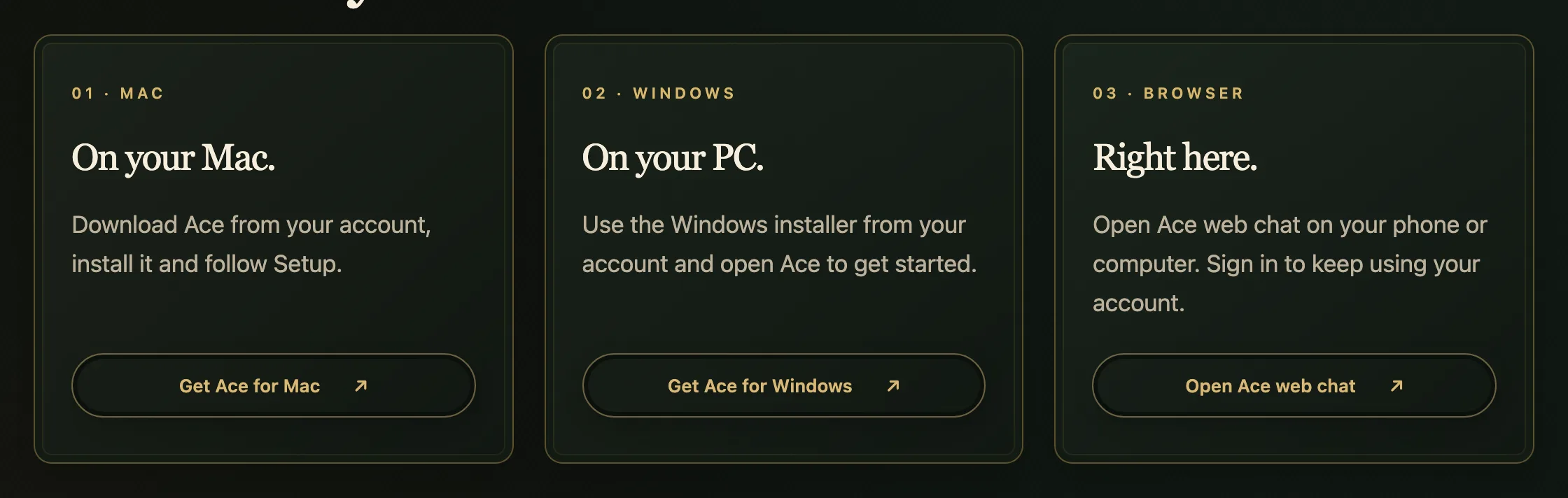
Yes. Ace’s supported platforms include Windows 10 and Windows 11, from the same Windows download. Its answers come from hosted AI, so the platform list names Windows versions rather than a processor or an AI chip. What you need is an internet connection for each question, a microphone if you want to talk, and screen access only for questions about your screen.

Free Play: 2,000 credits, no card. Ace by Black Label.

Requirements at a glance
| Item | What Ace needs | Notes |
|---|---|---|
| Windows | Windows 11 or Windows 10 | One Windows download covers both |
| Internet | A connection whenever you ask | Answers come from Ace’s hosted AI |
| Account | A free Ace account | Google sign-in or an emailed link; no password |
| Microphone | Optional | Needed only to talk; you can type |
| Screen access | Optional | Needed only for questions about your screen |
| Copilot+ PC or NPU | Not on Ace’s platform list | Windows’ own Copilot+ features are separate from Ace |
Windows 10 after end of support
Microsoft ended support for Windows 10 on October 14, 2025. The PCs still work, but they receive security updates only through the Extended Security Updates (ESU) program, which Microsoft runs for home users through October 12, 2027. Enrollment is free if you sync your PC settings, and the alternatives are 1,000 Microsoft Rewards points or a one-time $30.
Microsoft Edge and its WebView2 runtime keep receiving updates on Windows 10 version 22H2 until at least October 2028. Any app that talks to the internet, Ace included, is safer on a PC that still gets security fixes, so enroll in ESU or plan the move to Windows 11.
Check which Windows you have
- Right-click Start and choose Settings.
- Go to System > About.
- Under Windows specifications, read the edition and the version. Under Device specifications, check that Windows is 64-bit or 32-bit.
Or type winver into the taskbar search box and open it to see the version and build number in one small window.
Windows 8.1, 7 and older
Ace’s platform list names Windows 11 and Windows 10 only, so earlier versions of Windows are not supported. On a PC that can’t move to Windows 10 version 22H2 or Windows 11, Ace web chat in a current browser uses the same account and balance, but it can’t see your desktop.
Do you need Windows 11 for Ace?
No. Both versions use the same Windows download, and the hotkey is the same: hold Ctrl + Shift, ask, hear the answer. Windows 11 matters for Windows’ own AI features instead: live captions need Windows 11 version 22H2 or later, and Click to Do, Recall and the agent in Settings need a Copilot+ PC.
If you are weighing an upgrade anyway, Microsoft’s PC Health Check app runs an eligibility check. Windows 11 asks for, among other things, a compatible 64-bit processor, 4 GB of memory, 64 GB of storage, UEFI with Secure Boot capability and TPM 2.0.
Networks, firewalls and work PCs
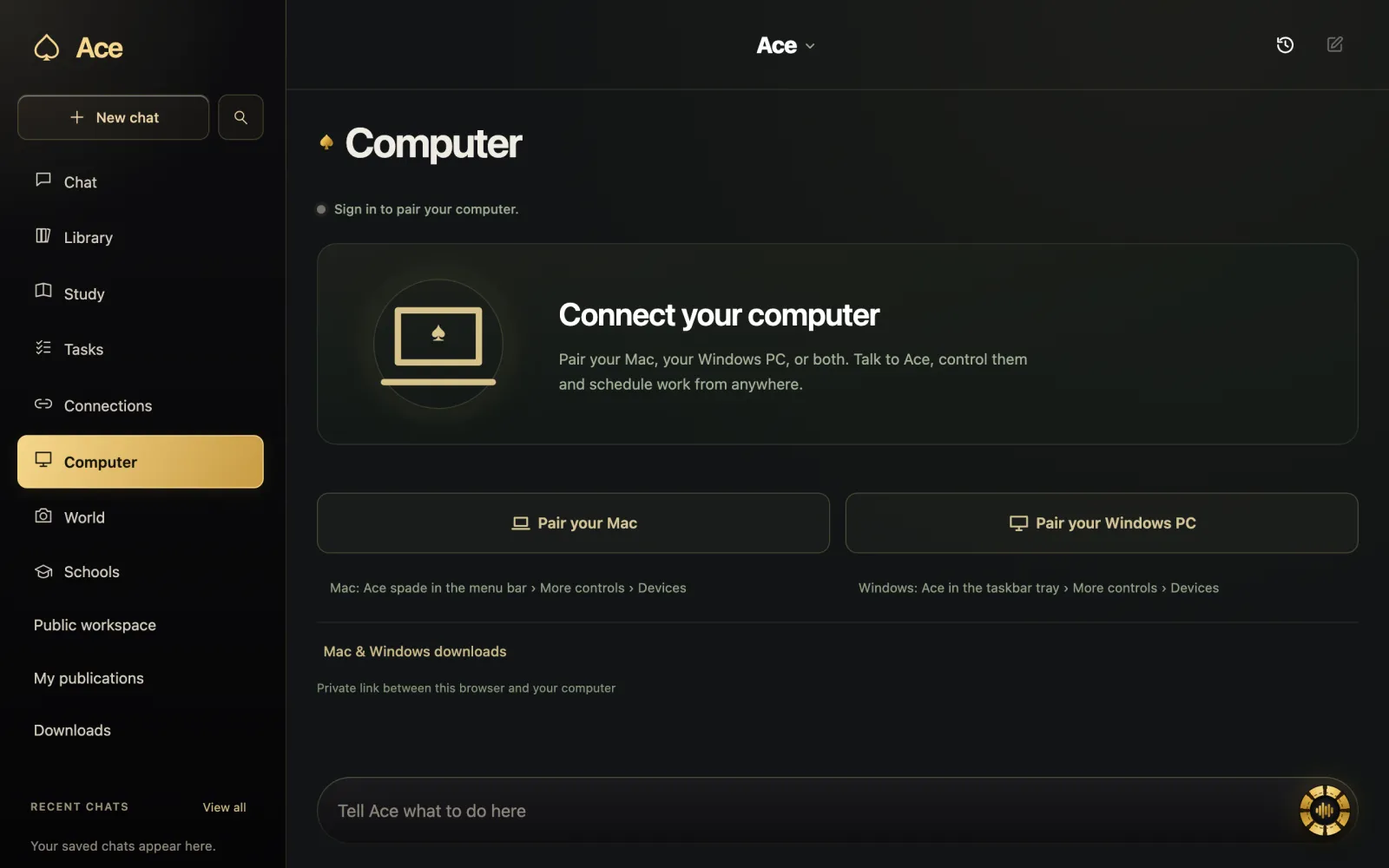
Ace has to reach its hosted AI and your Ace account; sign-in, licensing, free-use counters and updates use the account and device information needed to run the service. On a work or school PC, firewall rules or app controls may block a new app, and the IT team decides what can be installed and reached.
Hardware that helps
A headset, or a USB microphone you can place close to you, makes voice requests more reliable in noisy rooms. Ace’s platform list doesn’t name a processor, a graphics card or a memory size, so the PC that runs your Windows version is the PC that runs Ace.
More from Ace
The full overview of Ace for Windows is on tryacee.com/windows-ai-assistant.
Also asked
Can I run Ace on Windows 7 or Windows 8.1?
No. Ace’s platform list includes Windows 11 and Windows 10 only.
Do I need ESU to use Ace on Windows 10?
ESU isn’t on Ace’s requirements list, but without it Windows 10 gets no security updates, and an internet-connected PC should have them. Enrollment is free if you sync your PC settings.
Does Ace need a Copilot+ PC or an NPU?
No. Ace’s answers come from hosted AI, and its platform list names Windows versions, not AI hardware.
How do I know if my PC can move to Windows 11?
Run Microsoft’s PC Health Check app and choose Check now. Microsoft notes that it doesn’t check the graphics card or display.
Which Windows 10 version gets security updates now?
Version 22H2. Microsoft’s consumer ESU program requires Windows 10 version 22H2 with the latest updates and an administrator Microsoft account that isn’t a child account.
How do I check which version of Windows I have?
Right-click Start, choose Settings and go to System > About. Under Windows specifications, read the edition and the version. Under Device specifications, check that Windows is 64-bit or 32-bit. A shorter route: type winver into the taskbar search box and open it to see the version and build number in one small window.
When did Microsoft end support for Windows 10?
On October 14, 2025. The PCs still work, but they receive security updates only through the Extended Security Updates (ESU) program, which Microsoft runs for home users through October 12, 2027. Ace’s supported platforms still include Windows 10, from the same Windows download as Windows 11.
Does a headset help Ace hear me on Windows 10?
Yes, in noisy rooms. A headset, or a USB microphone you can place close to you, makes voice requests more reliable there. The microphone itself is optional, since you can type instead. If Ace doesn’t hear you on Windows 10, check the switches under Settings > Privacy > Microphone, including Allow desktop apps to access your microphone.
Is the Ace app any different on Windows 11?
No. Both versions use the same Windows download, and the hotkey is the same: hold Ctrl + Shift, ask, hear the answer. Windows 11 matters for Windows’ own AI features instead: live captions need Windows 11 version 22H2 or later, and Click to Do, Recall and the agent in Settings need a Copilot+ PC.
How much memory or what processor does Ace need on Windows 10?
None is named. Ace’s platform list doesn’t name a processor, a graphics card or a memory size, so the PC that runs your Windows version is the PC that runs Ace. Its answers come from hosted AI, so the list names Windows versions rather than a processor or an AI chip. What you need is an internet connection for each question.
Can I use Ace on a work or school PC running Windows 10?
That is up to the IT team. Ace has to reach its hosted AI and your Ace account, and on a work or school PC, firewall rules or app controls may block a new app. The IT team decides what can be installed and reached, so ask them to approve the app rather than looking for a way around a block.
What can I use if my PC can’t move to Windows 10 version 22H2 or Windows 11?
Ace web chat. On a PC that can’t move to Windows 10 version 22H2 or Windows 11, Ace web chat in a current browser uses the same account and balance, but it can’t see your desktop. You type, or use voice in the browser, and web chat handles text and shared images.
More questions
- The Ace AI app for PC
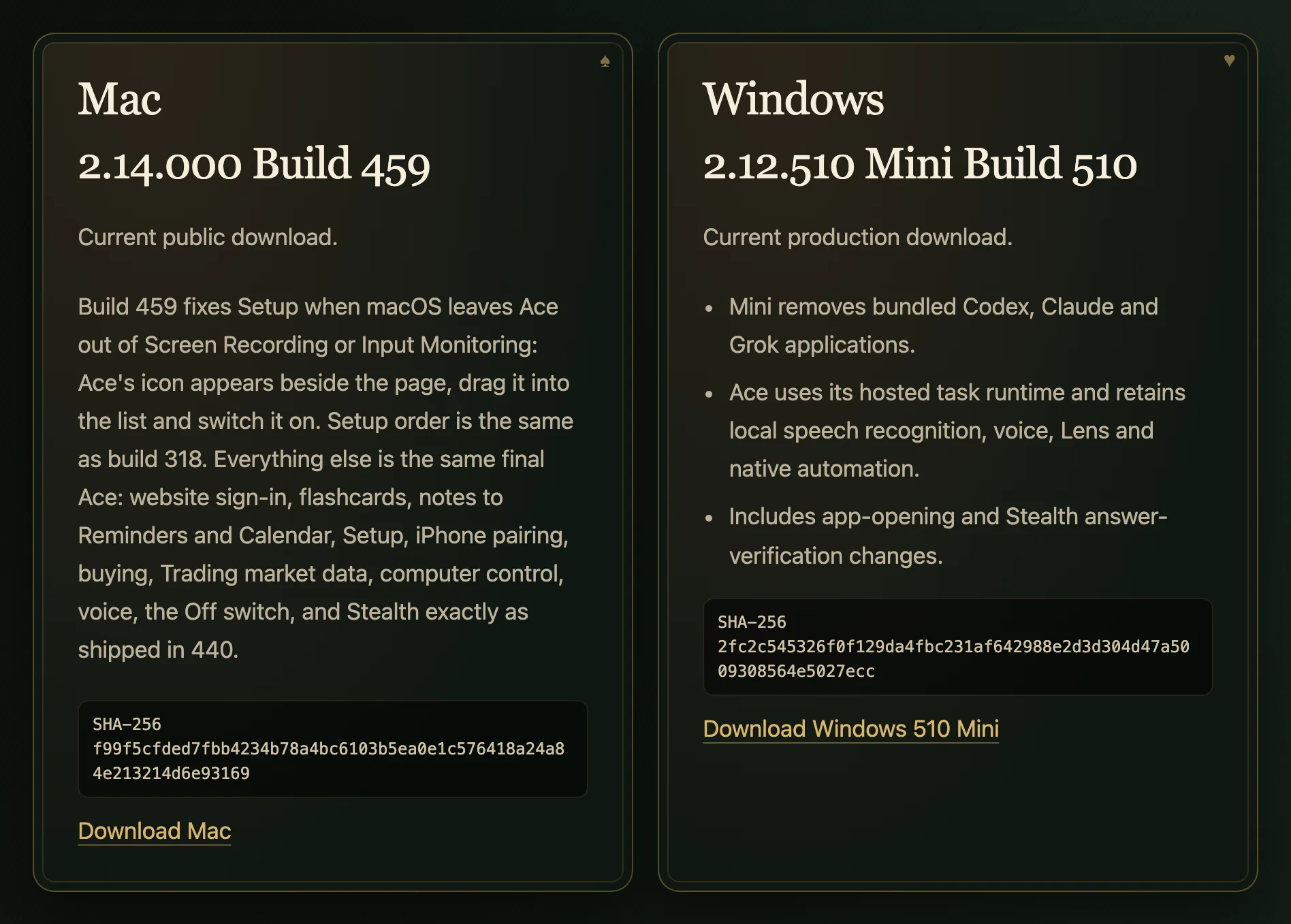
- Installing Ace on Windows
- What the Ace app can see and hear on Windows
- How to check the SHA-256 of the Ace download on Windows
- Uninstalling Ace from Windows
- Ace not working on Windows? Fixes for the microphone, hotkey, screen and sign-in
- AI for Windows App: overview
- All AI for Windows App guides
Deal yourself in.
More about Ace
Sources
- Windows 10 support has ended on October 14, 2025 | Microsoft Support, Microsoft Support. Checked November 14, 2026.
- Windows 10 Extended Security Updates | Microsoft Windows, Microsoft. Checked November 14, 2026.
- Microsoft Edge Lifecycle | Microsoft Learn, Microsoft Learn. Checked November 14, 2026.