Windows app · Productivity
The AI app for Windows, free to get.
Ace, by Black Label Tec
Ace is an AI app for Windows 11 and 10. Hold Ctrl + Shift, ask about the window you are in and hear the answer out loud. Free Play: 2,000 credits, no card.
- Price
- $0
- to start
- Hotkey
- Ctrl + Shift
- hold to ask
- Works on
- Win 11 · 10
- your own PC
- Answers
- Out loud
- and as text
- Category
- Productivity
- AI assistant
Screenshots and art
What it does
Ace sits beside the Windows apps you already use. When a question comes up, hold Ctrl + Shift, ask, and hear the answer, without opening another tab or pasting anything into a website.
Talk to it
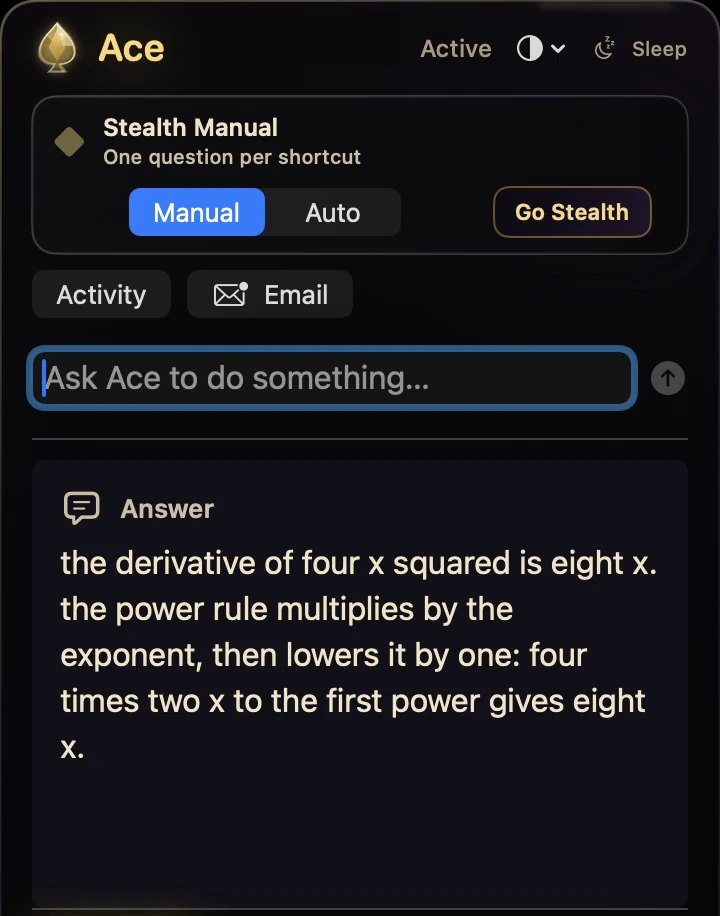
Hold Ctrl + Shift, say what you need and let go. Typing works too, in the same conversation.
Hear the answer
Ace answers out loud in its own voice, beside the app you are working in.
Show it the window
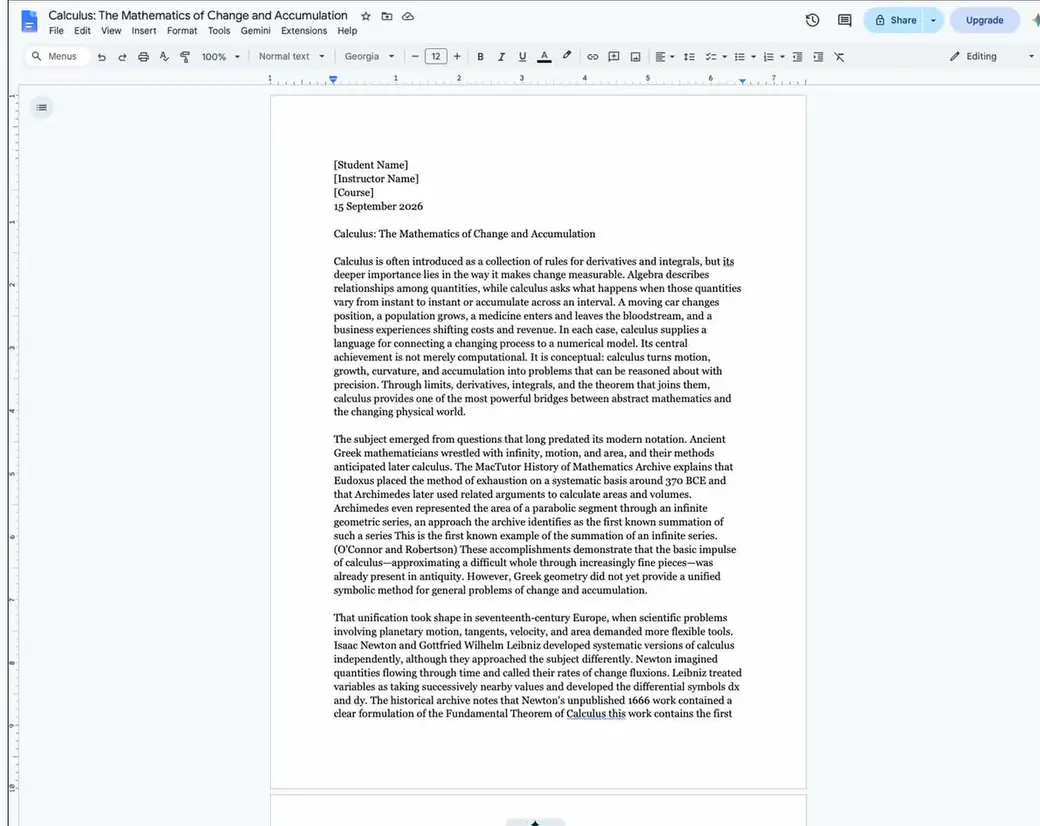
Ask about Word, Excel, a browser tab, a PDF or an error dialog. Ace looks only when you ask.
Keep the notes
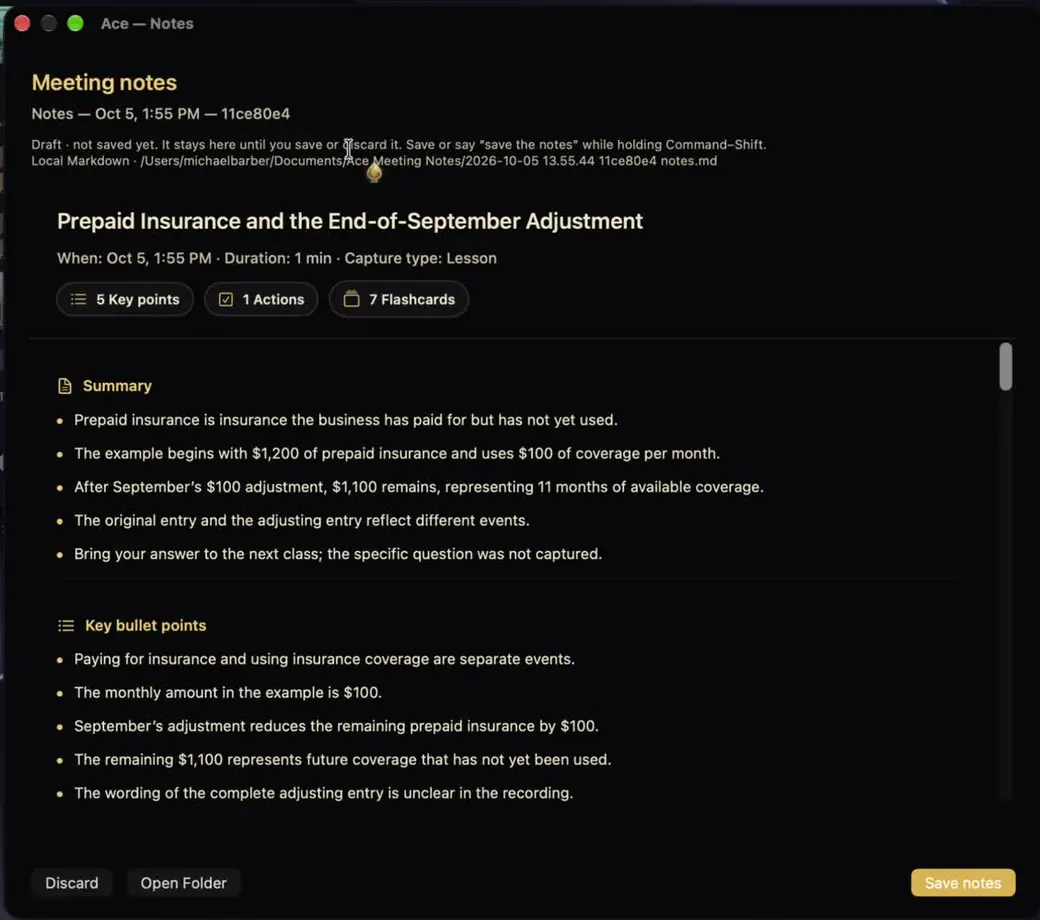
Key points and flashcards from a lesson, a meeting or anything you read.
Draft and rewrite
Turn rough notes into a short email, or make a paragraph clearer without changing your meaning.
One balance
The same account and balance on your PC, your iPhone and the web.
The live web platform
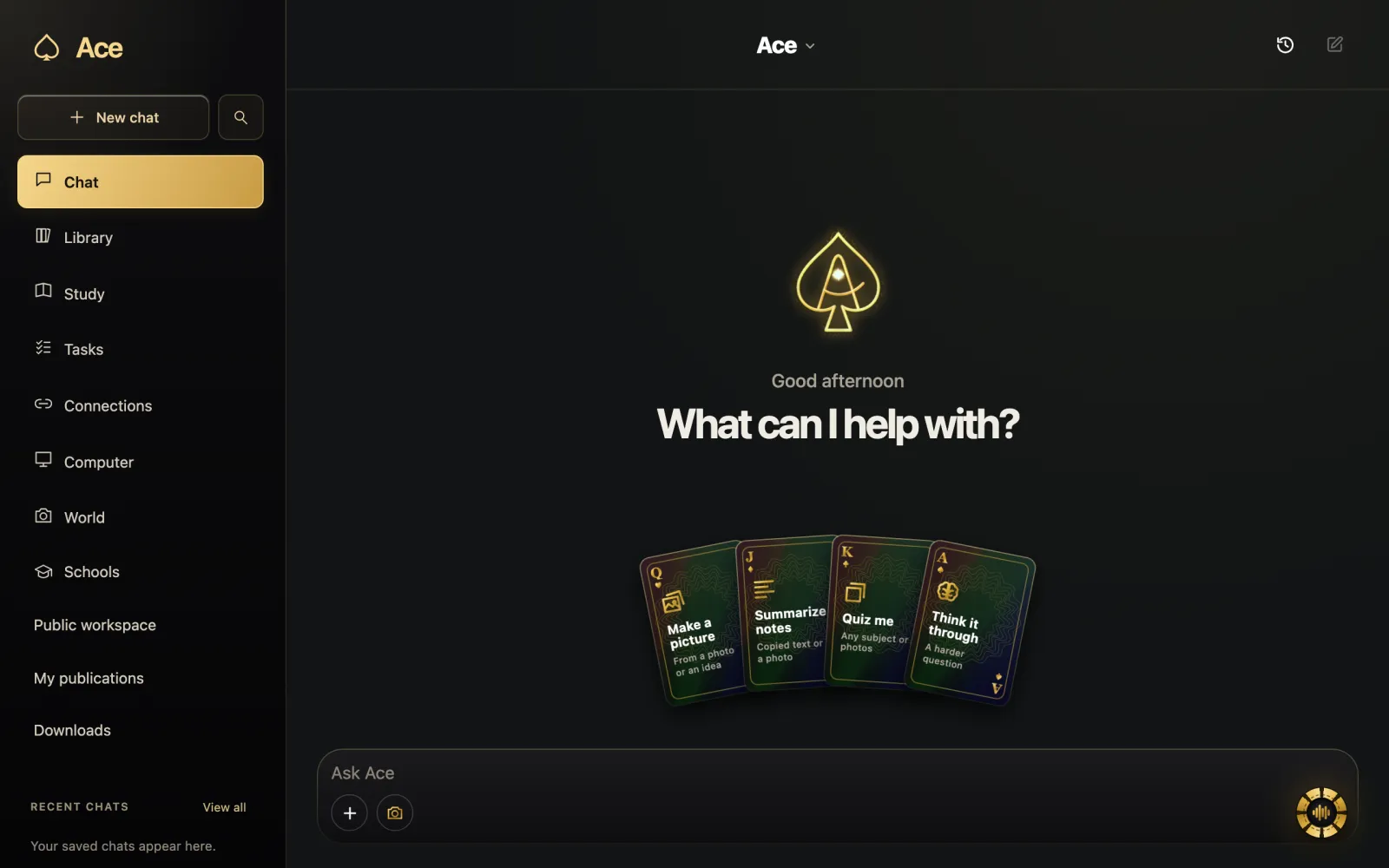
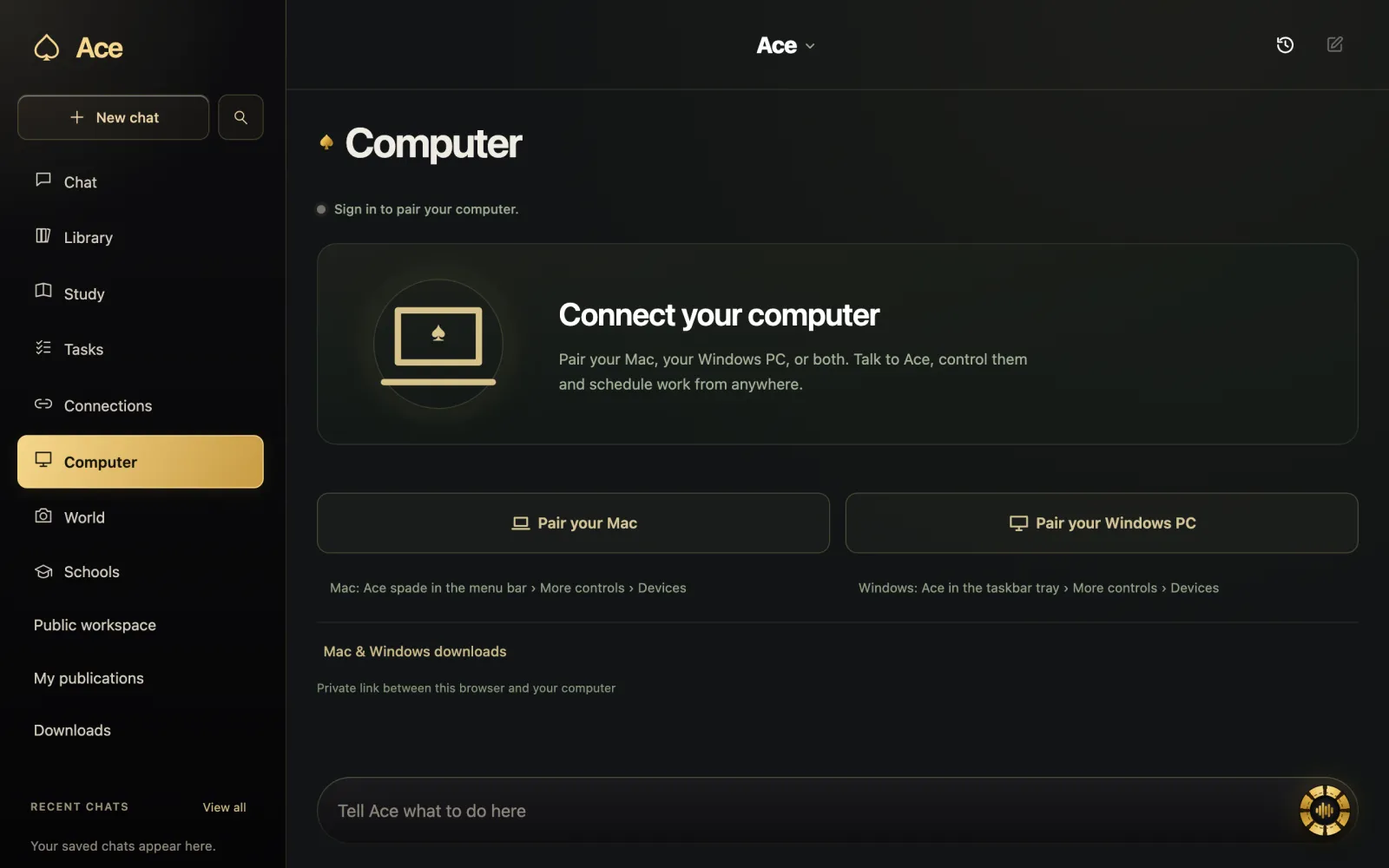
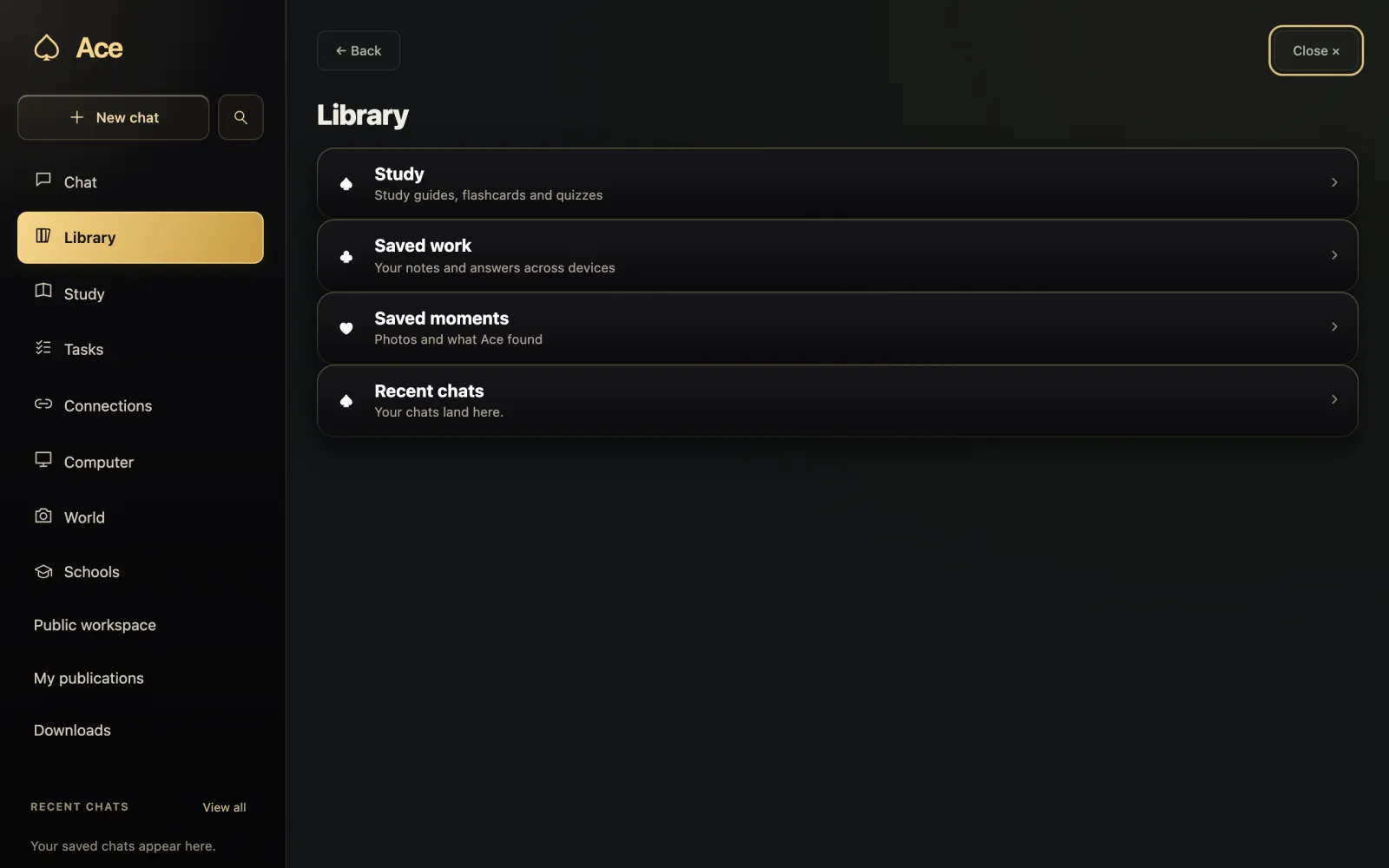
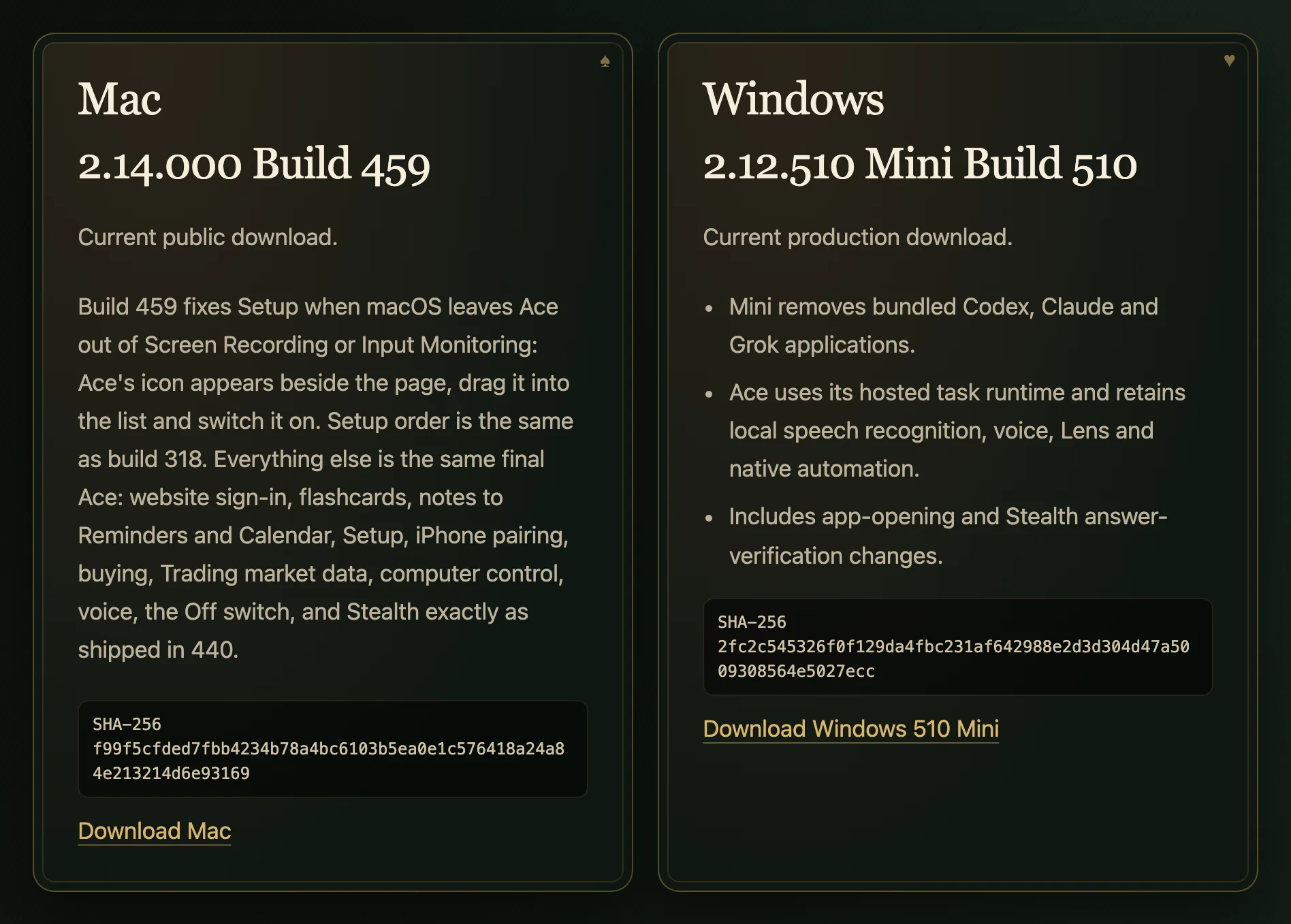
The app’s web workspace
Ask Ace, pairing your PC, your library and the public release record, as they appear on tryacee.com today.

Install in three steps
Create your free Ace account
Free Play: 2,000 credits, no card. Sign up with Google or your email.
Run the Windows installer
Choose Windows in your account, run the installer and open Ace.
Hold Ctrl + Shift and ask
Talk or type about the window you are in. Let go, and Ace answers out loud.
Your first job in the app: summarise a PDF
A PDF you already have open is a good first test: the answer is short, and the source is right there to check it against.
Open the PDF
Keep the document on screen. Allow screen access only when you want Ace to read that window.
Hold Ctrl + Shift and ask
Try: “Summarise this PDF in five points I can act on.”
Check it against the page
Compare names, dates and numbers with the document before you forward the summary or act on it.
A summary is a starting point. Anything you sign, pay or send still needs a read of the original.
Requirements
| Operating system | Windows 11 or Windows 10 |
|---|---|
| Hardware | The PC or laptop you already have. No special hardware |
| Connection | Internet required: Ace’s AI is hosted |
| Account | A free Ace account (Google or an email link, no password) |
| Microphone | Optional: you can type instead of talking |
| Screen access | Optional: only used when you ask |
App privacy
Ace looks at your screen only when you ask, after you allow screen access; you can switch it off at any time. Each permission below is asked for separately and can be turned off again.
Microphone
Used while you hold Ctrl + Shift and talk.
Allowed in Settings › Privacy & security › Microphone.
Screen
Looked at only when you ask, and only what you choose goes with the request.
Granted through a Windows permission prompt.
Files
Used only when you choose to share one with a request.
Granted through a Windows permission prompt.
App control
Off until you turn it on.
You can turn it off again at any time.
Price and in-app plans
2,000 free credits. No card required. One balance for your computer, phone and the web.
Try Ace freePaid plans and top-ups (8)
| Plan | Per month | What it includes |
|---|---|---|
| Table Pass | $20 | Connect your own supported AI subscription. |
| Pocket Pair | $30 | 10,000 hosted AI chips per month. |
| Full House | $50 | 30,000 hosted AI chips per month. |
| Private Table | $75 | Connect your own supported AI subscription. |
| High Roller | $100 | 60,000 hosted AI chips per month. |
| The House | $200 | 100,000 hosted AI chips per month. |
| Starter top-up | $10 | 5,000 chips, one time |
| Reload top-up | $50 | 20,000 chips, one time |
Prices in USD, from tryacee.com/pricing. Subscriptions renew until canceled. Compare every plan
Information
- Provider
- Black Label Tec
- Category
- Productivity · AI assistant
- Compatibility
- Windows 11, Windows 10
- Also on
- Mac (macOS 13+), Linux (AppImage), iPhone (Ace Mobile)
- Price
- Free to start. Plans from $20 a month, top-ups from $10
- Sign-in
- Google or your email
Guides on this site
- The Ace AI app for PCThe Ace app for Windows PCs: what it does, where to find current release notes, how it differs from Ace web chat, what it costs to run and where to download it.
- Installing Ace on WindowsInstall the Ace app on a Windows PC: create the account, download the installer, check its SHA-256, handle a SmartScreen warning, finish Setup and ask.
- Does the Ace app run on Windows 10?Can your PC run Ace? Supported Windows versions, internet, microphone and permissions, what Windows 10’s end of support means, and how to check your version.
- What the Ace app can see and hear on WindowsWhat each Ace permission on Windows allows, what leaves your PC when you ask, how Windows handles desktop apps’ microphone access, and how to turn it off.
- How to check the SHA-256 of the Ace download on WindowsCheck that your Ace installer is the released file: run Get-FileHash or certutil, compare the SHA-256 with the public release record, and keep up with updates.
- Uninstalling Ace from WindowsRemove the Ace app from a Windows PC through Settings, Start or Control Panel, see what uninstalling keeps, and cancel a plan or delete your data separately.
- Ace not working on Windows? Fixes for the microphone, hotkey, screen and sign-inFixes for Ace on Windows 11 and 10: the microphone isn’t heard, Ctrl + Shift does nothing or switches keyboards, a window looks blank, or a sign-in link fails.
- All guidesEvery guide on this site in one list, with reading times.
Featured guides & AI tools
Questions about the Windows app
Is the Windows app free to start?
Yes. Free Play is $0: 2,000 credits and no card. Ace runs on Windows 11 and Windows 10, and the installer comes from your free Ace account.
What happens when my credits run out?
You choose how to continue. Pay as you go starts at $10, monthly plans run from Pocket Pair at $30 to The House at $200, and Table Pass ($20 a month) lets Ace answer with your own Claude, ChatGPT or Grok subscription.
What does $10 get me?
The Starter top-up is $10 for 5,000 chips. A $50 Reload adds 20,000 chips. Chips pay for hosted AI use, including voice and images. The amount used depends on the request, model and service; a top-up does not promise a fixed number of essays, photos or talking minutes.
Does the app need a new PC?
No. Ace runs on the Windows 11 or Windows 10 PC you already have, with no special hardware. The AI is hosted, so asking needs an internet connection.
How do I install it?
Create a free Ace account, choose Windows, run the installer and open Ace. Then hold Ctrl + Shift and ask.
Can the app see my screen?
Only when you ask, and only after you allow screen access through Windows. You can switch it off at any time.
Can I type instead of talking?
Yes. Hold Ctrl + Shift and type, or talk. Ace answers out loud in its own voice and shows the answer as text.
Does it work on my phone too?
Yes. Ace Mobile on iPhone uses the camera instead of the screen, on the same account and balance as the Windows app.
Is there an installable AI app for Windows 11 and Windows 10?
Yes. Ace installs as a native Windows desktop app published with SHA-256 build fingerprints on your account at tryacee.com. Hold Ctrl + Shift over Excel, PDFs, forms or settings, let Ace inspect a single permitted screen frame when you ask, and hear the answer out loud — Free Play includes 2,000 free credits.

Get Ace on your Windows PC.
Free Play: 2,000 free credits, no card.
Try Ace free
Sources
- Windows camera, microphone, and privacy | Microsoft Support, Microsoft Support. Checked November 14, 2026.